
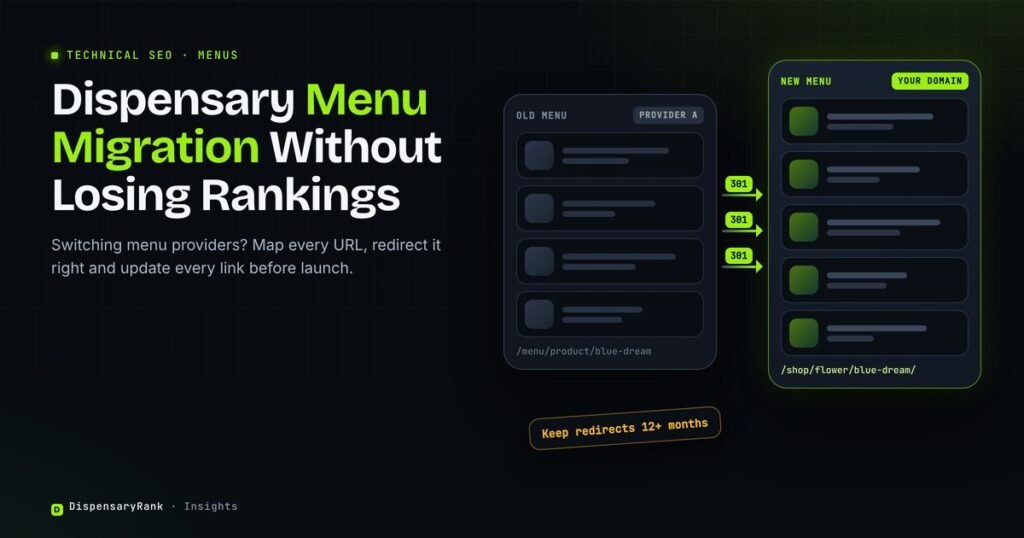
Switching dispensary menu providers looks like a software decision. For search, a dispensary menu migration works like any site migration. Product, category and brand pages can change address, change how they load or disappear, and the rankings they earned can go with them.
The timing matters this year. Dutchie has said it will support legacy Dutchie Plus customers through the end of 2026, so many stores with headless menus are planning a dispensary menu migration now.
This article covers how to tell what you are moving from and to, how to map and redirect menu URLs, what else needs updating, and what to watch in the weeks after launch.
Key points
- A menu switch is a site migration when menu pages live on your own domain. Plan it like one.
- Map every old menu URL to its closest new page before launch, and use 301 redirects.
- Update your Google Business Profile menu link, sitemaps and every other link that points to the old menu.
- Expect rankings to move for a few weeks, and keep the redirects for at least a year.
Why A Menu Switch Is A Site Migration
On many dispensary sites, the menu holds most of the indexable pages. Product, category and brand pages answer searches like “live resin near me” or a brand name plus your city. When the provider changes, those pages change too.
How much is at risk depends on how your current menu is built. Our guide to dispensary menu SEO technical issues explains why some menus are invisible to Google in the first place.
Know What You Are Leaving And What You Are Joining
Menu providers connect to dispensary websites in three common ways. The type you leave and the type you join decide how much SEO work the switch needs.
| Menu type | Where product pages live | SEO value on your domain |
|---|---|---|
| Embedded menu (iframe) | The provider’s domain | Little or none |
| Hosted menu on a subdomain or provider site | A separate host | Limited, and split from your main site |
| Headless or native menu | Your own domain | Full, if pages are crawlable |
If you leave an embedded menu, there is little to lose. Our post on why a Dutchie menu does not show up in Google explains why. The highest risk is leaving a headless menu on your own domain, because those pages already rank.
If You Are On Dutchie Plus
Dutchie’s own note says legacy Plus customers are supported through the end of 2026, and it points them to E-Commerce Pro. Ask your Dutchie contact for the exact date for your account, because the post does not give one.
Before you choose Pro or another platform, confirm three things in writing. Will menu pages stay on your domain? Will product URLs keep the same pattern? Can you add redirects and edit titles and descriptions?
If the answer to the URL question is no, treat the move as a full migration and start the URL map now. Waiting until the last weeks of the year leaves no time to test.
Build The URL Map Before You Switch
The URL map is a spreadsheet with every old menu URL in one column and its new address in the next. Google’s site move guide calls this mapping the first step.
Pull old URLs from your XML sitemap, the Search Console Pages report and your analytics landing pages. Sort them into products, categories, brands and store pages. Start with the pages that bring the most search traffic.
Map each old page to its closest new page. A product goes to the same product. A product that no longer exists goes to its category. Do not send everything to the homepage. Google’s guide warns against pointing many old URLs at one unrelated page.
Redirects, Sitemaps And Search Console
Use permanent 301 redirects set on the server, from each old URL straight to its final new URL. Avoid chains where one redirect leads to another. Google’s redirect guidance explains why server side permanent redirects work best.
Keep the redirects for as long as possible, and at least a year. Submit a new XML sitemap with only the new menu URLs, and update internal links so they point to the new pages directly.
For a large menu, the URL map and redirects are the core of our technical SEO work for dispensaries, and we test them before launch, not after.
Watch filter and sort URLs on the new menu. Many providers create a new URL for every filter combination. Our post on menu filters and crawl budget explains how to keep those out of the index.
Update Everything That Points To The Old Menu
Redirects catch most old links, but you should still update the ones you control. Each one saves a redirect hop and removes the risk of a dead link if the old provider shuts down.
- Google Business Profile: the menu link and the order link, with your UTM parameters.
- Directory listings: Weedmaps, Leafly and any other listing that links to your menu.
- Printed QR codes: on receipts, bags, flyers and signs in the store.
- Email and SMS templates: loyalty emails, order confirmations and saved campaign links.
- Social profiles: the link in each bio.
Launching Your Dispensary Menu Migration
Plan the switch for a quiet week, never right before a holiday sale. Test every redirect in the map on a staging site first, then again within an hour of launch.
On launch day, crawl the old URL list and confirm each one returns a 301 to the right page. Inspect a sample of new product and category pages in Search Console. Submit the new sitemap.
Google says to expect temporary ranking changes during a move. Small drops in the first weeks are normal. Pages that stay missing after a month usually point to a broken redirect or a page Google cannot render.
What To Watch After Launch
Check the same short list every week for the first two months. Most problems show up in the first 30 days, while they are still easy to fix.
Run your top category and product pages through our menu visibility checker to confirm Google can read them. Compare monthly organic clicks to menu pages before and after the switch, using the method in our dispensary SEO reporting guide.
If the new menu creates product pages on your own domain, our post on product schema for cannabis covers which markup is safe to add and what to leave out.
Frequently Asked Questions
Will A Dispensary Menu Migration Hurt My SEO?
Switching menu providers can hurt SEO if menu pages on your own domain change address without redirects. With a full URL map, 301 redirects and updated links, rankings usually settle within weeks. Moving away from an embedded menu carries little risk.
How Long Should Menu Redirects Stay In Place?
Google recommends keeping redirects for as long as possible, and at least a year. Old links in listings, emails and printed QR codes keep sending visitors long after launch.
Can I Redirect Old Product Pages To The Homepage?
Avoid it. Send each old product to the same product on the new menu, or to its category if the product is gone. Google warns against sending many old URLs to one unrelated page such as the homepage.
What Happens To Dutchie Plus After 2026?
Dutchie has said it supports legacy Plus customers through the end of 2026 and recommends moving to E-Commerce Pro. Confirm your exact date and migration path with your Dutchie contact.
What To Do First
Export every menu URL from your sitemap and Search Console this week. Ask your current and new provider whether product URLs will change. If they will, start the URL map before you sign anything.
A menu switch is one of the riskiest moments in dispensary SEO, because years of indexed product URLs can disappear in a single weekend.
Free audit
Our free audit reviews your current menu setup, lists the pages at risk in a switch and shows what to fix first.